You charge your phone all night
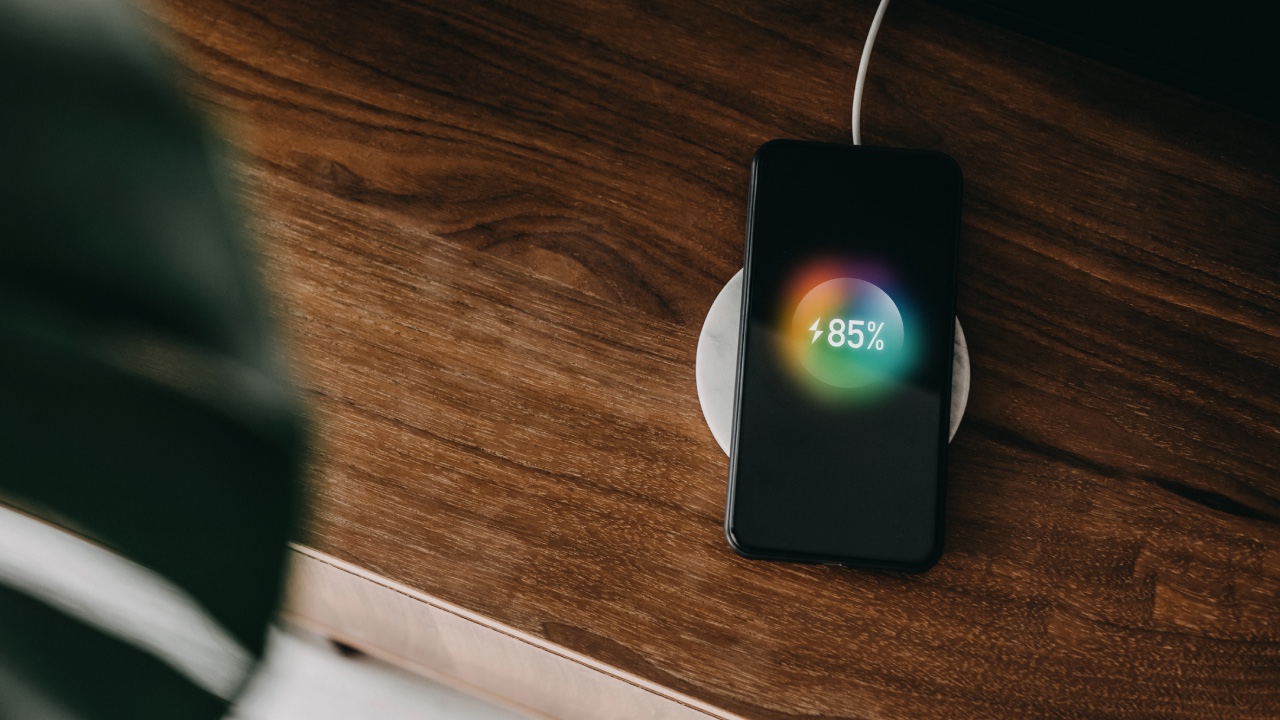
Waking up to a fully charged phone may seem like a great way to start the day, but leaving your device plugged in overnight is a bad idea. When a phone has reached 100 per cent charge, it will continue to get trickle charges to keep it topped up at 100 percent.
These extra charges keep the battery working non-stop. In fact, it’s better not to fully charge lithium-ion batteries because high voltage stresses the battery and wears it out over time, according to technology company Cadex.
You use vibrations for notifications
Your phone, like any other tool or device, ages and loses effectiveness the more you use it, says David Steele, the Director of Business Development for EverydayPhone. So little extras, like vibrating notifications, are habits that make your phone’s job harder.
“The issue with these habits essentially boils down to having your phone constantly running at full capacity when it’s unnecessary,” Steele says. “Just like us, a phone needs a break to avoid burning out.”
You keep apps open that you’re not using
Unused apps can eat up the battery life of smartphones, according to Andrew Moore-Crispin, the Director of Content at Ting Mobile. “If you open an app once and never use it again, the app might still run in the background,” he says.
Swiping out of apps you aren’t using or no longer need is an easy solution. Moore-Crispin says doing so extends the battery life of your phone while also freeing up valuable storage space, too.
You allow unnecessary permissions
Ride-sharing apps need your location to pick you up, but other apps might not need this permission. Moore-Crispin suggests you be picky about which apps you grant such permissions to and take away permissions you deem unnecessary.
You have one of these apps
The apps that drain your battery the most are Snapchat, Google Maps, Netflix, Amazon, and Facebook, according to AdWeek. The Guardian found that uninstalling the Facebook mobile app from Android phones saves people up to 20 percent of their battery life.
If you also get rid of the FB Messenger app, other app load times could speed up by 15 per cent, per the Guardian. The reason Facebook particularly kills battery life is because it keeps running in the background – even when you’re not using it, Business Insider reports.
Your screen is always extremely bright
Gone are the days of tiny phone screens, but before you give the thumbs up emoji, understand how the bigger screens of today can be a phone battery’s worst enemy, according to Moore-Crispin. Make sure you turn on adaptive brightness in the display menu.
This change means your phone will automatically adjust the screen brightness to match your environment. As a bonus, set the brightness level to the lowest possible and lower your screen’s timeout, which is what determines how long it stays lit before fading when it goes idle.
You keep your phone out at the beach
Extreme heat or extreme cold temperatures and other weather conditions can shorten the life of your phone. According to Time, excess heat can cause everything from data loss or corruption to battery leakage. Cold weather presents just as many issues. In cold temperatures, some smartphones shut off, have display problems, or run out of battery; in rare cases screens may shatter.
You keep your phone in your bed or under your pillow
Tucking your phone under your pillow when you sleep is another way to shorten its life, thanks to heat build-up.
You don’t keep your software up to date
utting off device updates does more harm than good for your phone. iPhone and Android makers push updates to make your user experience better and so that your phone functions properly. These updates come with extra benefits, too. In fact, if your device has a weak battery or other issues, these software updates could remedy them, Popular Science reports. Make sure to keep up with app-specific updates as well.
Image credits: Getty Images
This article originally appeared on Reader’s Digest.